
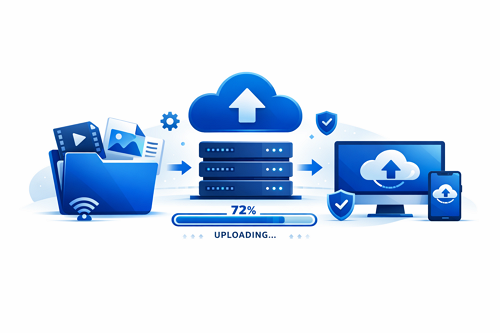
Uploading large files online can feel slow and frustrating at first, but platforms like DDownload make the process much easier with reliable cloud hosting and simple sharing tools. Files such as videos, backups, and compressed archives can be uploaded and shared through direct download links in just a few steps.
Understanding the right upload method and basic optimization techniques can significantly improve your experience.
Step-by-Step Upload Process
Getting started is straightforward:
- Select the file you want to upload
- Upload it through the platform dashboard
- Wait for the upload to complete
- Copy and share the generated download link
A stable internet connection plays a big role in avoiding interruptions.
Tips to Upload Large Files Faster
Improving upload speed is possible with a few practical adjustments:
- ⚡ Compress files using ZIP or RAR formats
- 📶 Use a wired connection for better stability
- 🕒 Upload during off-peak hours
- 📂 Organize file names clearly for easier tracking
Upload Methods Compared
| Method | Advantage | Limitation |
|---|---|---|
| Browser Upload | Easy to use | Slower for very large files |
| Remote Upload | No local bandwidth needed | Depends on source speed |
| FTP Upload | Stable and efficient | Requires setup knowledge |
Advanced users often switch to FTP or remote uploads for handling larger files more efficiently.
Proper file organization also helps speed up access and management over time. Learn more about file organization strategies on ddownload for faster access in our related guide, which explains how structured storage improves workflow and efficiency.


