
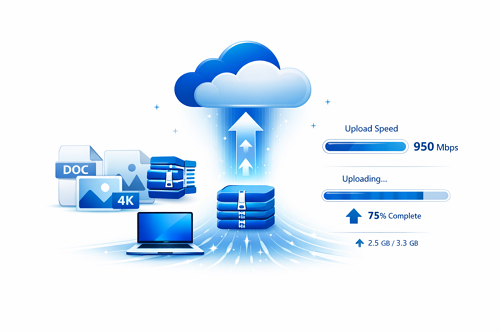
Uploading large files to the cloud can feel slow and frustrating without the right approach. Platforms like DDownload provide reliable infrastructure, but proper file optimization significantly improves upload speed and stability.
Preparing files before uploading helps reduce transfer time and minimizes the risk of failed uploads.
Proven Ways to Optimize Large File Uploads
Simple adjustments can make a noticeable difference:
- 📦 Compress files using ZIP or RAR to reduce size
- ✂️ Split large files into smaller parts for smoother uploads
- 🧹 Remove unnecessary data to keep files lightweight
- ⚙️ Use efficient formats like MP4 instead of RAW
- 🌐 Ensure stable internet to avoid interruptions
Compression vs Splitting
| Method | Advantage | Drawback |
|---|---|---|
| Compression | Reduces file size | Requires extraction |
| Splitting | More stable uploads | Multiple parts to manage |
| Combined | Best performance | Slightly more setup |
Experienced users often combine both techniques to maximize efficiency when dealing with very large files.
Why Upload Optimization Matters
Optimizing uploads leads to:
- 🚀 Faster transfer speeds
- 🔄 Fewer failed uploads
- 💾 Better storage efficiency
- 📊 Improved download performance
Large file handling is not only about speed—it also affects how files are delivered to end users. Understanding how transfer performance works helps improve overall results. For a deeper breakdown, check download speed factors explained in cloud hosting, which covers why some file downloads perform better than others.


