
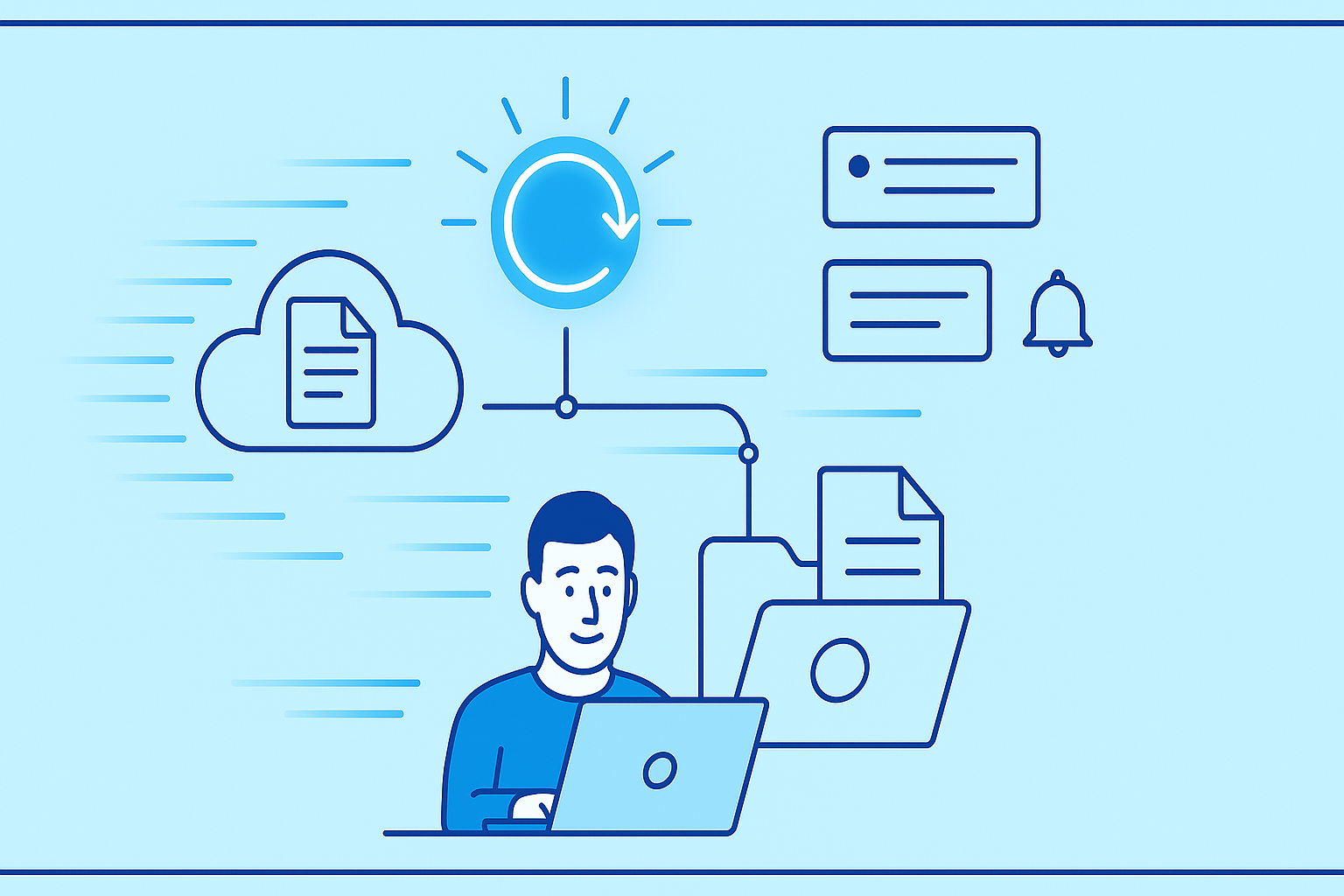
A wrong click, a quick cleanup, or a messy folder structure can suddenly make important files disappear. Fortunately, it’s often possible to recover accidentally deleted files on DDownload if you act quickly and follow the right steps.
What Happens When You Delete a File?
When you delete a file, it’s usually not removed permanently right away. Many cloud storage platforms temporarily store deleted files before final removal. The exact retention period depends on your account type and platform policies.
Common Causes of Data Loss:
- Accidentally deleting individual files
- Removing entire folders
- Overwriting older file versions
- Storage or inactivity limits expiring
Step-by-Step: Recovering Files on DDownload
- Log in to your DDownload account and open the file manager
- Look for a section like “Trash,” “Deleted Files,” or “Archive”
- Select the file you want to recover
- Click Restore
- Verify that the file appears in its original folder
If there’s no direct restore option, contacting DDownload support is recommended, especially if the deletion occurred recently.
Preventive Measures for Safer File Management
| Measure | Benefit | Recommendation |
|---|---|---|
| Regular backups | Protects against data loss | Backup weekly |
| Clear folder structure | Easier navigation | Keep projects separated |
| Version control | Preserve older versions | Save before major updates |
| Access restrictions | Avoid accidental deletion | Define team permissions |
Additional Practical Tips
- Duplicate files before major changes
- Keep local project archives
- Document important download links
- Inform team members about deletion policies
Quick action greatly improves the chances of a successful file recovery. Organized storage reduces the risk of future issues.
For teams, following a structured workflow enhances collaboration. Learn more in our guide on secure collaboration with remote teams using DDownload.
Conclusion
Recovering accidentally deleted files on DDownload is often possible. With clear organization, regular backups, and prompt action, data loss can be minimized and projects can continue safely.


