
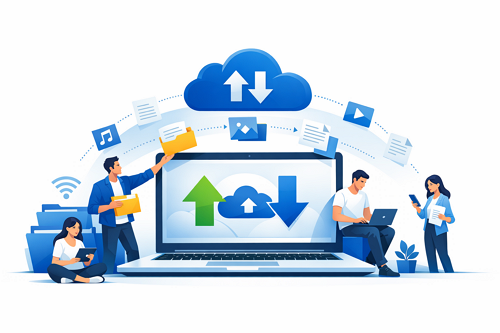
File hosting has become a core tool for freelancers handling digital work, and platforms like DDownload make it easy to upload, store, and deliver large client files through simple download links. This approach removes the limitations of email and provides a more professional way to manage project delivery.
Freelancers often deal with large assets such as videos, graphic designs, compressed files, or full project folders. Traditional sending methods can fail due to file size limits or slow transfer speeds, which leads to delays and frustration.
How Freelancers Use File Hosting
A streamlined workflow helps freelancers stay efficient:
- Upload completed project files to the hosting platform
- Generate a unique download link
- Send the link to the client
- Allow clients to access files anytime
This process keeps delivery organized and avoids repeated file transfers.
Key Benefits for Freelancers
Using file hosting services offers practical advantages:
- 🚀 Fast delivery without attachment limits
- 🔒 Secure storage for sensitive client data
- 🌍 Access anywhere for global collaboration
- 🔗 Professional sharing via clean download links
- 💾 Reliable backups for completed work
Email vs. File Hosting
| Feature | File Hosting | |
|---|---|---|
| File size limit | Very limited | Large files supported |
| Delivery speed | Slower | Optimized transfers |
| Accessibility | One-time send | Reusable access |
| Workflow | Basic | Structured |
Freelancers who rely on efficient delivery systems can improve client satisfaction and reduce technical issues by switching to cloud-based file hosting.
Efficient media delivery also plays a big role in content workflows, especially for creators managing large assets. Learn more about this in our guide on content distribution using file hosting, which explores how digital files are shared at scale.


