
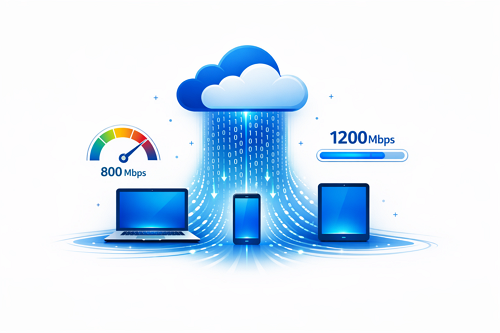
Download speed plays a major role in the overall experience of using file hosting services. Platforms like DDownload manage how fast files are delivered based on several technical and user-related factors, making it important to understand how the system works.
When you download a file, data is transferred from a remote server to your device in small packets. The rate at which these packets arrive determines your actual download speed, usually measured in Mbps (megabits per second).
Key Factors That Affect Download Speed
Several elements influence how quickly files are downloaded:
- 🌐 Internet bandwidth – Faster plans allow higher speeds
- 🖥 Server performance – High traffic can slow down transfers
- 👤 Account type – Premium users often get priority bandwidth
- 📍 Server distance – Closer servers reduce latency
- 📶 Network stability – Wired connections are typically more reliable
Free vs. Premium Download Performance
| Feature | Free Users | Premium Users |
|---|---|---|
| Speed limits | Restricted | Maximum available |
| Waiting time | Common | None |
| Multiple downloads | Limited | Enabled |
| Stability | Inconsistent | More stable |
Free accounts often experience slower speeds due to bandwidth limits, while premium users benefit from optimized delivery and fewer interruptions.
How to Improve Your Download Speed
Simple adjustments can significantly improve performance:
- Use a stable and fast internet connection
- Avoid peak hours when servers are busy
- Switch to a wired connection for better stability
- Pause other bandwidth-heavy activities
Security also matters when transferring files, especially for professional use. Learn more about secure file transfers for businesses to understand how safety impacts performance and data protection.


