
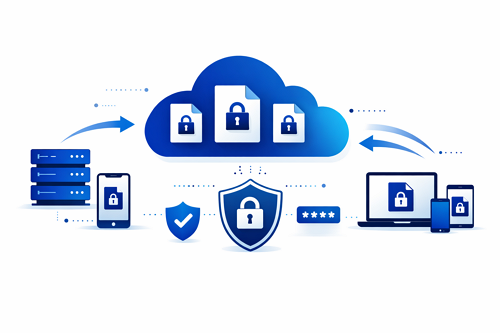
Secure cloud file sharing is essential for businesses and distributed teams. Platforms like DDownload allow files to be shared globally while maintaining security and privacy. Following best practices ensures data remains protected and accessible only to authorized users.
Neglecting security can result in data breaches or loss. Implementing proper strategies helps teams collaborate efficiently and safely.
Key Security Practices
Organizations should adopt the following measures:
- 🔒 Encrypt data during upload and download
- 🧑💻 Manage access permissions to limit file exposure
- 🔗 Use secure links, including password protection or expiration dates
- 📁 Maintain regular backups of critical files
- 📊 Monitor activity and respond to suspicious access promptly
Streamlining Organization
Structured file management enhances security:
- Project-based folder organization
- Version control for updates
- Logging file sharing activities
Security Measures Comparison
| Security Measure | Benefit |
|---|---|
| Encryption | Prevents unauthorized access |
| Access Control | Ensures only authorized users can view files |
| Password-Protected Links | Minimizes link misuse |
| Monitoring & Backups | Detects errors early and restores data |
Applying these best practices helps teams work securely and maintain smooth workflows. Cloud file sharing enables fast, safe communication and collaboration.
For actionable insights on improving team workflows with cloud files, check out our guide on file hosting for improving remote work collaboration, which explores efficient strategies for distributed teams.


